


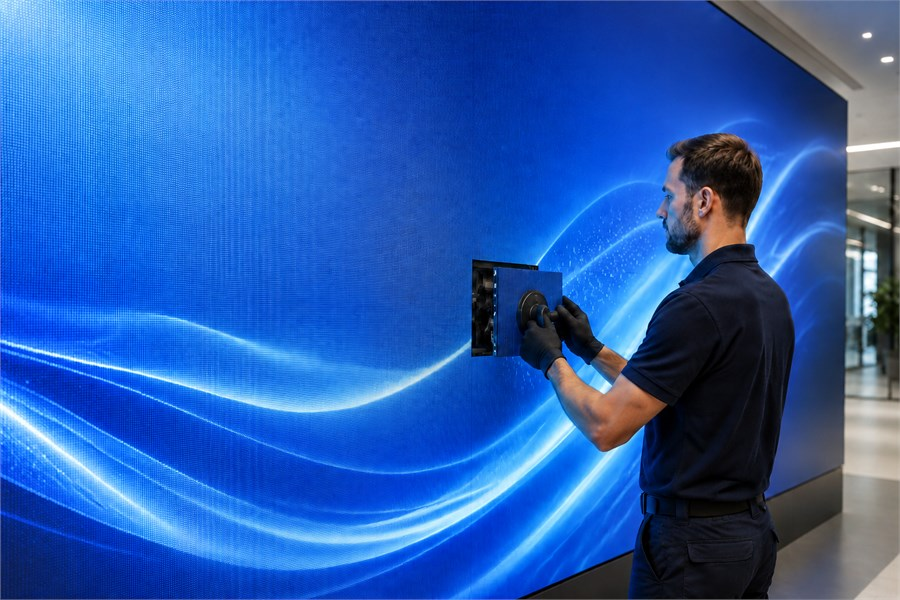
For most commercial LED displays and large LED screen projects, repair is often possible because LED screens are built with modular components. When a fault appears, the entire display does not always need to be replaced. In many cases, a technician can identify the problem area and repair or replace the affected LED module, receiving card, ribbon cable, power supply, control system component, or connection point.
The right decision depends on the type of failure, the size of the affected area, the screen’s age, warranty coverage, spare parts availability, and how much downtime the site can tolerate. For venues, retail spaces, control rooms, outdoor advertising screens, and other commercial applications, the goal is not only to restore the picture but also to reduce repeat failures and keep the LED display running reliably.
This guide explains common LED screen problems, basic checks your team can perform before requesting service, when professional repair is required, and how to decide whether LED screen repair or replacement is the better long-term option.
Common LED Screen Problems
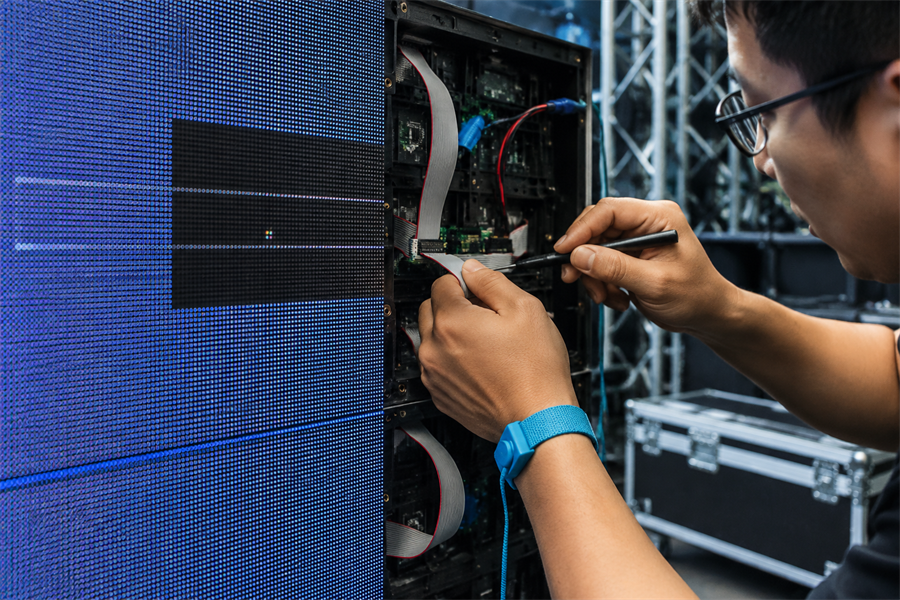
Most LED screen issues come from a few common faults. Identifying the symptom first can help your team decide whether it is a simple connection issue, a module-level repair, or a problem that needs professional service.
Dead and Stuck Pixels
A dead pixel appears as a black point on the screen, while a stuck pixel remains fixed on one color, such as red, green, or blue. One dead point is often caused by a damaged LED lamp bead or a weak solder joint. If several pixels fail in the same area, the issue may come from the module’s driver IC or circuit. Stuck pixels can sometimes be improved with pixel-refresh software, but true dead pixels usually require hardware repair or module replacement.
Missing rows, lines, or dark blocks
Horizontal or vertical lines and dark sections usually come from a loose flat cable, a damaged driver IC, or a connection fault between modules. The first check is always the ribbon and signal cables. If reseating them does not help, the driver chip on the back of the module may need replacing.
Example scenario: On a rental LED wall, a dark block that appears after transport is often caused by a flat cable that worked loose in transit or a module knocked out of seat, not a failed cabinet. Checking the module connection first can avoid an unnecessary part swap and save setup time on event day.
Flickering and Unstable Brightness
Flickering or uneven brightness is often related to power delivery. Common causes include an unstable power supply, voltage fluctuation, loose connectors, or aging components inside the affected cabinet. In some cases, the issue can be solved by checking and securing the connections; in others, the power supply unit may need to be tested or replaced.
No signal or full blackout
A blank screen is frequently a signal chain issue rather than damage to the LEDs themselves. Check that the sending card and receiving cards are powered and showing their indicator lights, confirm the source cable, and verify the control software configuration. If the screen works again after changing the input source, the fault sits in the controller or the source, not the panel.
Discoloration and uneven brightness
When one area drifts in color or looks dimmer than the rest, the cause is usually LED aging, inconsistent power distribution, or calibration drift. Recalibration often restores uniformity. Severe aging may require module replacement to bring color back in line.
Physical and moisture damage
Impact cracks, sealing failures on outdoor cabinets, and moisture ingress are the most serious faults. These can spread to neighboring components if left in service and often need professional attention.
Quick LED Fault Diagnosis Table
The table below condenses the symptoms above into a single decision path: what you are seeing, the most likely cause, the safe check your own team can run, the point at which a technician is needed, and whether the case usually leans toward repair or replacement.
| Symptom | Likely cause | Quick check | Action |
|---|---|---|---|
| Dead or stuck pixel | LED bead, solder joint, or driver IC | Run pixel refresh and check if isolated | Repair if it remains or spreads |
| Dark line or block | Loose cable, module seating, or driver IC | Power off and reseat cables/modules | Call a technician if unchanged |
| Flickering brightness | Power instability or loose connectors | Check connectors, voltage, and surge protection | Test or replace the PSU if the flicker continues |
| No signal or blackout | Controller, cable, source, or software config | Check card lights, cables, source, and settings | Service the signal chain if still blank |
| Uneven color or brightness | Aging LEDs, power imbalance, or calibration drift | Recalibrate and compare nearby modules | Repair locally or replace if widespread |
| Cracks or moisture | Impact, seal failure, or water ingress | Power off and document the damage | Call a technician immediately |
LED Screen Repair Solutions
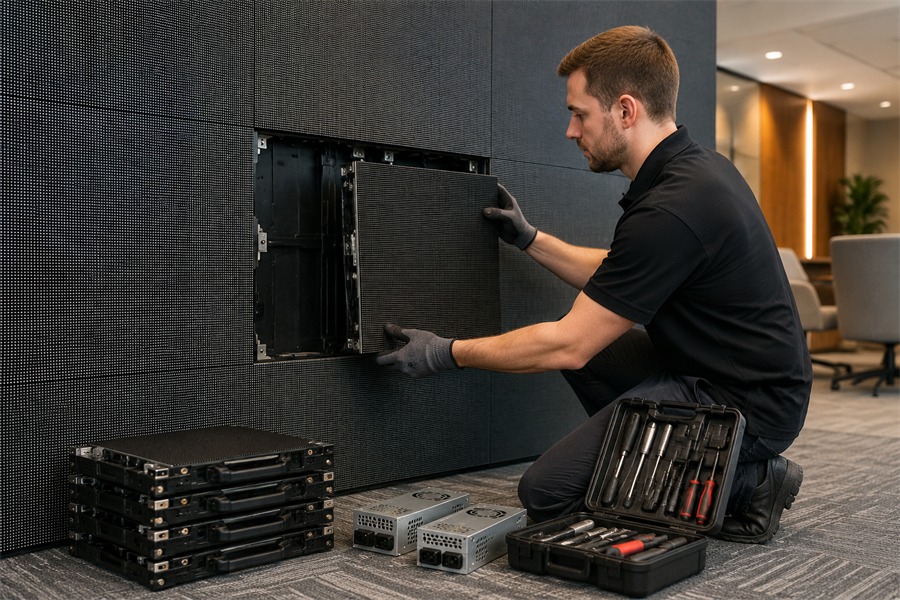
Not every LED screen problem needs a full service call. Some issues, such as loose cables or signal errors, can often be checked by a trained in-house team. For more complex issues, such as power supply failures, driver IC faults, water damage, or warranty-covered repairs, it is usually best to turn to a professional technician or the manufacturer. Through its global after-sales support, Esdlumen can arrange return-to-factory repair for components that cannot be fixed on site, provide on-site maintenance guidance, and help identify compatible spare parts for commercial projects.
Minor issues your team can handle
If your staff are comfortable working around AV hardware and follow basic electrical safety, these steps resolve a large share of field problems:
Safety first. Always power off before touching cables or modules. Use an anti static wrist strap and proper grounding. Never run continuity tests on a live screen. If your display is still under warranty, confirm what self service is allowed, because unauthorized repairs can void coverage.
When to Call a Professional or the Manufacturer
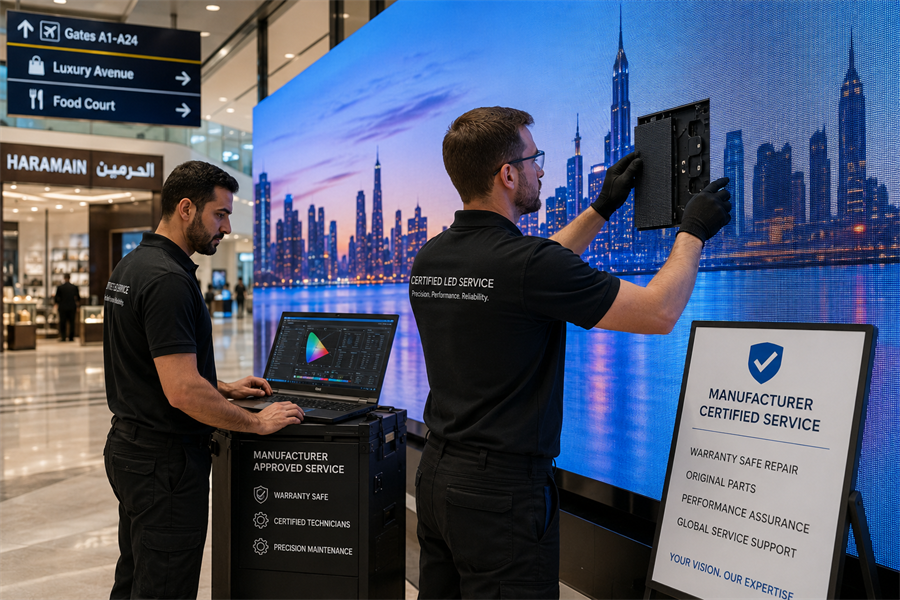
Call a certified technician or the manufacturer when the issue involves internal components, water damage, fine-pitch or COB modules, or any display still under warranty. These repairs require proper tools, experience, and manufacturer-approved parts.
Professional support can help prevent further damage, protect warranty coverage, and reduce downtime when the fault is beyond basic cable, power, or signal checks.
What to Prepare Before Contacting a Technician
Before contacting a technician, prepare the basic display information, including the screen model, pixel pitch, warranty status, installation environment, and the size of the affected area. Clear photos or a short video of the fault can also help the technician judge whether the issue is a simple fix, a module repair, or a possible replacement.
LED Repair vs Replacement: Which Is Better?
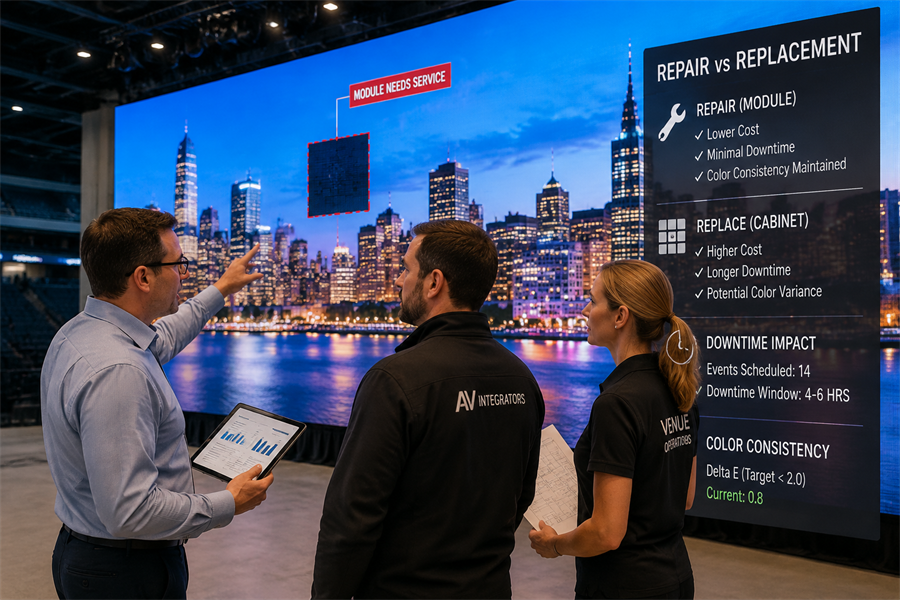
For many LED display operators, the real question is not whether a screen can be repaired, but whether repair is still the most cost-effective choice. Buyers often worry about downtime, spare parts, color consistency, warranty coverage, and whether a recurring fault will keep coming back.
Based on Esdlumen’s experience supporting commercial LED display projects, rental installations, and long-term display maintenance, the right decision usually depends on the fault type, the affected area, parts availability, and how quickly the screen needs to return to service. The table below compares common repair and replacement scenarios to help you choose the more practical path.
| Factor | Repair | Replacement |
|---|---|---|
| Cost | Lower. Repair can be significantly cheaper than a full replacement, especially when only modules or power supplies are affected. | Higher. The full panel or cabinet is the most expensive part of the system. |
| Downtime | Short. Front service modules can be swapped without dismantling the wall. | Longer. Sourcing, shipping, and reinstalling cabinets takes time. |
| Total cost of ownership | Best when failures are localized and parts are available. | Better long term when a wall is aging or failing repeatedly. |
| Spare parts availability | Depends on stock of matching modules and driver ICs. | Needed when the model is discontinued or unsupported. |
| Color uniformity | High when OEM matched components are used. Risk of mismatch with non matched parts. | Uniform across a new batch, but a new section may not match older neighbors. |
| Warranty | Often free through authorized service if in coverage. | Resets coverage on the new hardware. |
| Installation disruption | Minimal. Spot fixes on site. | Significant. May require rigging, recommissioning, and recalibration. |
Three Field Scenarios: From Symptom to Decision
The same symptom does not always call for the same fix. On one site, a visible issue may be solved with a quick module swap. On the other hand, it may point to wider damage that makes replacement the better option. These three scenarios show how context changes the maintenance decision.
Scenario 1 — Retail Flagship, Indoor P1.5 Video Wall
In a flagship clothing store, staff noticed a faint vertical band near the centre of an indoor P1.5 video wall. The colours in that area looked slightly washed out, but the screen was still running normally.
The team tried recalibration first. It helped, but the band was still visible. A technician later found that three neighbouring modules had drifted after long operating hours under bright store lighting.
Because matching OEM modules from the same batch were still available, the technician replaced only those modules and recalibrated the wall. The work was finished in under two hours, making repair the obvious and least disruptive choice.
Scenario 2: Rental & Staging, Outdoor Festival Stage Wall (P3.9)
At a multi-day outdoor music festival, a rental LED wall ran normally on the first night. After a heavy rain on the second night, however, the crew noticed a dark block in the lower corner of one screen wing. The block continued to grow before the next show, so the problem was unlikely to be a simple loose cable or a single failed module.
When the wall was checked back at the warehouse, the real cause became clear: one cabinet seal had failed during the wet run. Moisture had reached several LED modules and one power supply, and corrosion was already starting to affect nearby cabinets.
In this situation, swapping a few modules would not have solved the root problem. The damaged cabinets were removed from the rental inventory and replaced, and the team rechecked the sealing across the same batch before sending the wall out again. For rental LED walls that face transport, quick setup, and outdoor weather, replacement was the more reliable long-term choice.
Scenario 3: xR & VP, P2.6 Virtual Production Volume
On a virtual production stage, the team noticed intermittent flicker across one column of a P2.6 LED volume during a shooting day. Since camera time was already booked, they needed to find the fault quickly and avoid taking down the wall.
The crew began with the basics. They restarted the system, reseated the power connectors, and checked whether the flicker moved with the LED modules or stayed in the same column.
The flicker stayed in place, which pointed to the power path rather than the LED modules. A technician then confirmed that an aging power supply was causing the issue and replaced it with an on-site spare during a lighting reset between takes.
The LED volume was back online without dismantling the wall or delaying the shoot. This was a straightforward component-level repair, and it shows why xR and virtual production stages should keep essential spare parts on site.
When Replacement Is the Right Call
Replacement usually makes sense when damage has spread across several modules or cabinets, when the same area keeps failing after repair, or when matching spare parts are no longer available. It may also be the better long-term choice if the display is near the end of its service life, or if the project needs a higher resolution, better energy efficiency, or a more service-friendly design.
Color consistency is one of the greatest details to watch during replacement. If only part of the wall is replaced, the new modules should match the existing pixel pitch, brightness level, and production batch as closely as possible. Otherwise, the repaired area may look brighter, darker, or slightly different in color. For projects that need new hardware, Esdlumen’s commercial LED display solutions include modular and front-service designs that help simplify future maintenance, while OEM-matched service support can reduce the risk of visual mismatch.
How to Prevent LED Screen Damage and Reduce Downtime
For broader maintenance and safety practice, the AV industry association AVIXA publishes standards and guidance on display system upkeep, and the EOS/ESD Association sets the reference standards for static control when handling electronic components. Both are useful references when defining an in-house maintenance procedure.
Conclusion
For commercial installations, LED screen repair is possible and usually the smarter first move. Most faults are localized to a lamp, module, cable, or power supply, and a modular wall lets you fix only what failed while keeping downtime low. Replacement earns its place when damage is widespread, parts are unavailable, the modules are COB, or the wall has reached end of life. Use the extent of damage, the warranty status, parts availability, and color uniformity as your decision filters.
If you are not sure which path fits your display, you can request a diagnosis or a replacement module quote from the Esdlumen technical team, or review common issues on the LED display FAQ and support page.
FAQs
Can one LED module be replaced without changing the whole wall?
Yes. In most commercial LED walls, a single faulty module can be replaced separately. The key is matching the pixel pitch, cabinet type, brightness, and control system so the new module blends with the existing wall.
Will a replacement module look different from the old ones?
It might. Older modules may have lower brightness or slight color drift from long-term use. To reduce mismatch, use OEM-matched parts and recalibrate the screen after replacement.
How long does LED screen repair usually take?
It depends on the fault and spare parts availability. Simple cable or module issues may be resolved quickly, while cabinet-level damage, water ingress, or discontinued parts can take longer to diagnose and repair.
Can I keep using an LED wall with a few faulty pixels?
Sometimes, yes. For non-critical displays, a few faulty pixels may not affect operation. For rental, broadcast, retail, or control room use, even small defects can affect visual quality and should be repaired sooner.
Does third-party LED screen repair affect warranty?
It can. Unauthorized repair, non-original parts, or board-level work may affect warranty coverage. If the display is still under warranty, confirm the repair process with the manufacturer before taking action.


