


When moisture is found in an LED display, keep the cabinet off first and confirm whether it is safe to energize. Moisture may come from rain exposure, damaged seals, damp flight cases, cold-to-warm temperature swings, or long periods in a humid venue. Trace the source before restart. Keep the display off, locate the wet area, and decide whether the evidence points to light condensation or water ingress.
We use the inspection findings to decide whether the cabinet requires further drying, maintenance, or model-specific restart support. For outdoor, rental, humid indoor, and semi-outdoor projects, we check the product series, IP rating, service access, available coating configuration, site humidity-control practice, and applicable dehumidification guidance. Restart is considered only after the source has been identified, the affected area is dry, and the relevant product instructions have been confirmed.
How to Tell If an LED Display Contains Moisture and Trace the Source
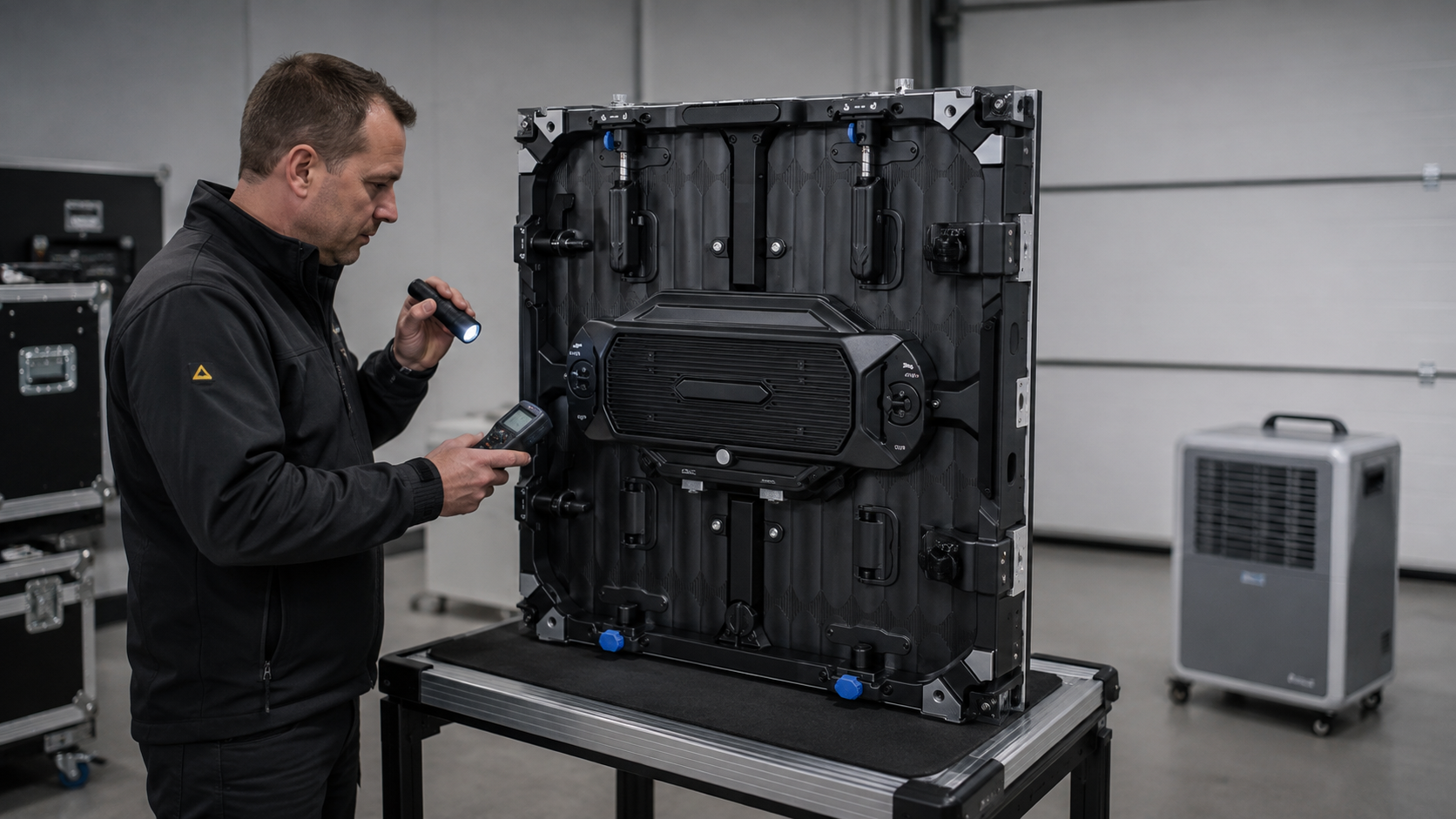
Confirm the moisture signs and their location before selecting a handling step. Fogging, water trails, damp cases, and repeated moisture signs usually point to different sources.
Light condensation shows as fogging or fine droplets on cooler internal surfaces. It forms when the surface temperature falls to or below the dew point of the adjacent humid air, for example when a cold cabinet or flight case is exposed to warmer, humid air. NOAA's explanation of dew point and condensation supports this mechanism.
Water ingress usually leaves clearer evidence than light condensation. The signs include water marks on module backs, water collected at the cabinet base, damp cable glands or service-door seals, blocked drainage paths, corrosion, unusual odor, or abnormal power behavior. If the entry point cannot be confirmed, keep the cabinet de-energized and treat it as a possible water-ingress case until the seals, drainage path, power area, and module edges have been checked.
Storage and transport moisture usually appears after panels are packed before they are fully dry, or after cold flight cases are opened too quickly in a warmer venue. Long-term humidity problems often show up as repeated moisture signs in pools, coastal sites, transport hubs, or other high-humidity locations.
Table 1 links each visible condition to a likely source, an immediate handling action, and the point for the relevant product-side protection check.
Table 1. Moisture Trace and Likely Source in an LED Display
| Visible condition | Possible moisture source | Immediate inspection or handling action |
|---|---|---|
| Fogging or droplets inside the cabinet | Temperature swing or dew point condensation | Keep the display off, move it to a dry environment and inspect the service areas |
| Water marks after rain or cleaning | Cabinet water ingress, cable entry leak, seal failure or splash exposure | Disconnect when unsafe, then inspect seals, drainage path, power area and module edges |
| Damp panels from a flight case or warehouse | Storage or transport moisture | Dry in controlled air, review desiccant practice, then run a cautious restart |
| Repeated faults at a pool, coastal or humid indoor site | Long-term high humidity and repeated condensation cycles | Check humidity sensor data, dehumidifier settings and scheduled operating hours |
Safe Handling If Moisture Is Found During Inspection
Fogging, droplets, damp connectors, or water traces turn the cabinet condition into a restart-risk check. The display should stay off until the moisture source is identified and the affected area is dry, so hidden moisture does not become an electrical fault during the next power cycle.
Controlled Drying Before Restart
Before power returns, the inspection must confirm that the cabinet is dry and electrically safe. The site team checks for standing water, wet connectors, corrosion, unusual odor, abnormal power traces, and moisture near power or signal components. Remaining water or abnormal power signs keep the display de-energized. Power isolation, lockout, cabinet opening, module removal, and reconnection stay with qualified site personnel under local electrical safety practice.
Drying starts with safe cabinet access, stable airflow, and controlled room humidity. Service doors may be opened so dry air can pass through the affected area, while a dehumidifier or air-conditioning dry mode lowers the surrounding humidity. Heat-assisted drying needs extra caution because concentrated heat can damage the LED face, mask, connectors, or PCBA. For that reason, the exact model manual or our technical support guidance should define the drying method before heat is applied.
Our humidity-protection guidance serves as the product reference for this inspection. During the review, our team checks the selected series and project configuration against three points: Nano-Coating Craftsmanship on the LED panel surface, lamps, and PCBA components; recommended temperature and humidity monitoring for the project; and Intelligent Current-Gain Dehumidification where the product supports automatic or manual dehumidification modes. Each moisture-control function is checked against the selected product, so features are not applied as blanket assumptions across all LED displays.
Once the cabinet surface is dry and the moisture source is controlled, we consult the instructions for the exact model in use. Controller programs, receiving-card routines, current levels, brightness ramps, and drying-time estimates are not transferred between product families. Before restart, we confirm visible dryness, connector condition, humidity trends where monitoring is available, and compliance with the model-specific instructions. The cabinet design, coating configuration, site environment, and technical support guidance determine whether power can safely return.
Gradual Restart Check After Drying
After drying, we base the restart decision on the cabinet condition. Restore power only after the moisture source has been classified, the visible drying checks are complete, and the model-specific restart guidance has been followed. Begin gradual warm-up only where that guidance permits it. If the moisture trace cannot be classified as condensation, storage moisture, or water ingress, keep the cabinet de-energized and handle it as a high-risk water-ingress case.
Before power returns, the site team checks the module backs, connectors, cabinet base, power area, cable entries, and service-door seals. For rain-exposed outdoor projects, our heavy-rain maintenance guidance gives the relevant inspection context, including operating-humidity references for outdoor and outdoor rental LED screens. IP-rated protection and humidity tolerance can support normal project operation, but visible water ingress, wet power areas, or signs of immersion still keep the cabinet out of restart.
Humid indoor projects require checks suited to the room environment. For pools, humid lobbies, basements, and rooms near cold exterior walls, compare the cabinet condition with room humidity, ventilation, and temperature-humidity records. Humidity monitoring should continue during restart assessment and routine maintenance. Visible moisture still prevents restart until the affected area is dry and the source is controlled.
Outdoor rental projects add transport and rigging risk because panels may move from rain exposure into flight cases before the cabinet is fully dry. Before normal operation resumes, the site team should record the cabinet number, module position, moisture trace, available humidity reading, restart setting, and test-screen result. Stop the restart if flicker, color shift, dark blocks, abnormal heat, odor, unstable power, or rising humidity appears. Return the panel to controlled drying and connector inspection, and involve our technical support team before increasing brightness.
Esdlumen Waterproofing and Moisture Control Solutions
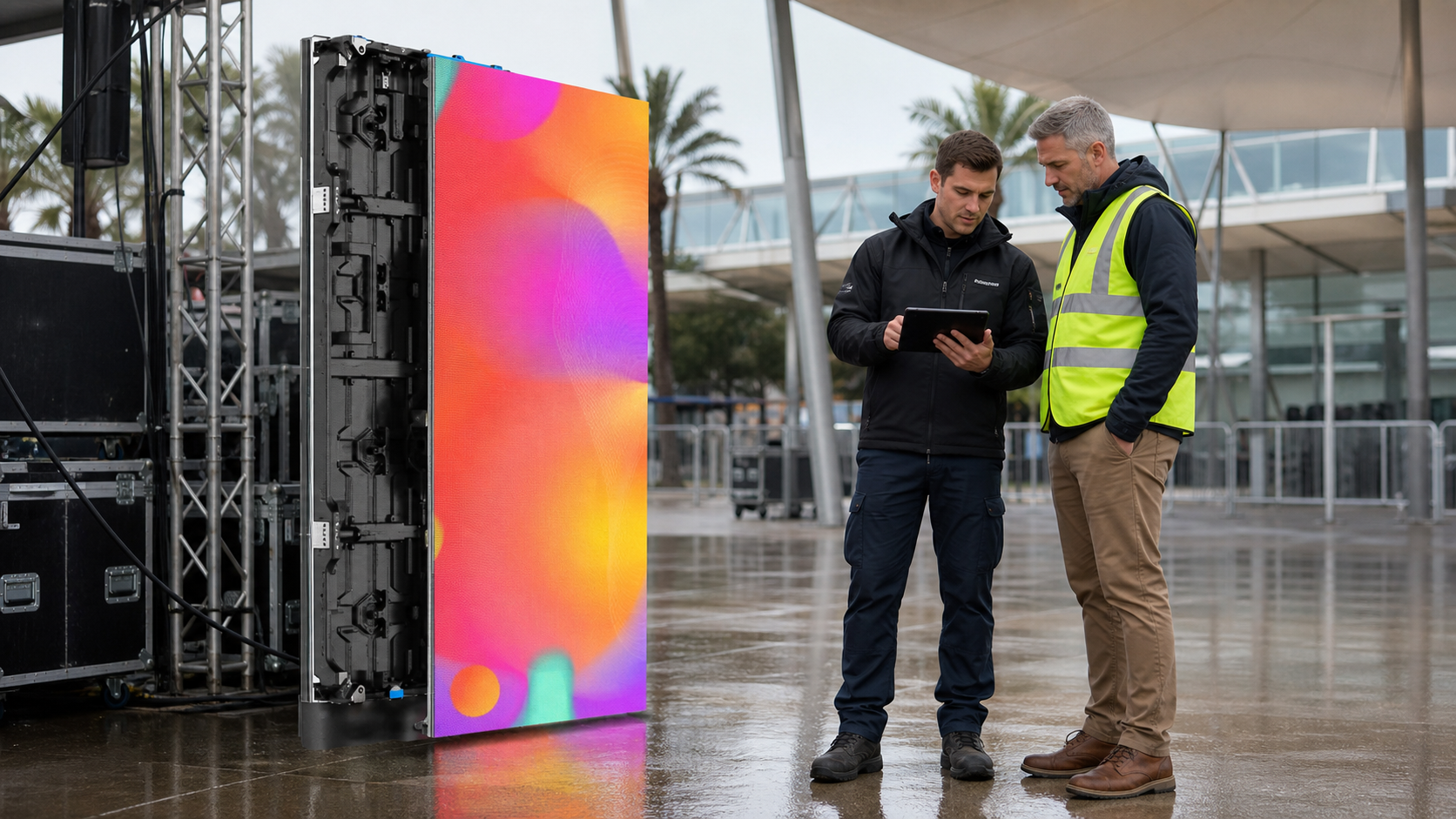
Project exposure determines the moisture-protection baseline. We assess cabinet water resistance, module and component protection, ambient conditions, and monitoring or maintenance requirements separately. Installation or rental conditions guide the IP-rating check, cabinet choice, available product functions, and their application boundaries.
For fixed outdoor installations, the product baseline starts with cabinet structure and sealed entry points. IEC 60529 classifies the degrees of ingress protection provided by electrical enclosures through the IP Code. For IP65, the first digit 6 indicates a dust-tight enclosure, while the second digit 5 indicates protection against water jets under defined test conditions. IP65 gives an enclosure-protection reference. Field performance still comes from installation quality, seal condition, cable-entry treatment, drainage where provided, and maintenance.
For rental, humid indoor, and semi-outdoor projects, moisture control should match the exact series, cabinet design, and handling pattern. Storage practices, humidity readings where monitoring is available, ventilation, and our product-specific dehumidification and restart guidance support transport, daily maintenance, and restart decisions.
Use Table 2 to match each Esdlumen protection layer with its field boundary before confirming the cabinet selection and moisture-control routine.
Table 2. Esdlumen Moisture Protection Approach
| Classification / evidence type | Esdlumen solution / reference | What it supports | Application boundary |
|---|---|---|---|
| Esdlumen technology reference | Nano-Coating Craftsmanship | Helps protect LED lamps and PCBA components from humidity-related effects. | Confirm availability by exact model and configuration. |
| Esdlumen technology reference | Intelligent Current-Gain Dehumidification | Helps remove trapped internal moisture through automatic or manual dehumidification modes. | Use only according to product specifications and our technical guidance. |
| Product specification | Model-specific IP-rated outdoor cabinet | Supports dust and water-ingress protection based on the listed IP rating. | Field performance depends on installation, sealing, drainage, and maintenance. |
| Site maintenance practice | Recommended temperature and humidity monitoring | Helps identify humidity changes and support preventive maintenance. | Treat as a site practice unless the product confirms integrated monitoring. |
Prevention Routines by Installation and Handling Pattern
Build the moisture-prevention routine around how the display is installed, stored, moved, and restarted. Consider outdoor weather, rental transport, humid indoor operation, semi-outdoor airflow, and long idle periods. Also check whether packing, ventilation, shutdown, or storage practices could reintroduce moisture before the next restart.
Fixed outdoor cabinets need regular checks at likely water-entry points. Inspect gaskets, drainage holes where provided, service doors, power-box seals, and cable glands by season, then repeat the inspection after cleaning, prolonged rain, or storm exposure. Our heavy-rain maintenance guide covers rain checks, after-rain inspection, and restart preparation. In our maintenance article published on May 20, 2020, we cited operating-humidity references of up to 85% RH for outdoor LED screens and up to 90% RH for outdoor rental LED screens. Treat these figures as historical product-selection references rather than universal limits for current models or restart thresholds, and confirm the latest specification for the exact model.
Rental fleets bring storage and handling risk. Dry panels before packing, keep flight cases dry, renew desiccant on schedule, and keep connector caps in place during transport. Cold cases should stay closed until they reach venue temperature before opening and restart.
Humid indoor and semi-outdoor sites can collect moisture even without rain. Pools, coastal lobbies, transport hubs, and covered entrances often show repeated fogging, damp cabinet interiors, or unstable humidity after shutdowns or long idle periods. Ventilation, air-conditioning dry mode, humidity readings, approved dehumidification routines, or scheduled operation can help, but only within the model-specific instructions.
Product Selection and Support Options by Moisture Pattern
Recurring fogging, humidity alarms, damp cabinets after transport, rain exposure, or an inconclusive restart result may require the product choice and maintenance routine to be reassessed. We compare the series with the site type, cabinet location, exposure conditions, handling pattern, humidity-control needs, and service-access requirements before recommending a moisture-control approach.
Our humidity guide explains the product-side controls behind that review. Nano-Coating Craftsmanship creates a moisture-resistant protective layer on LED lamps and PCBA components. Intelligent Current-Gain Dehumidification supports automatic or manual moisture removal based on environmental readings and unused duration.
Choose the product reference according to the site pattern and exact model. Dazzle IV Series offers indoor and outdoor rental model options, while Shine Pro is positioned as a high-stability outdoor rental LED display; the current public specifications list IP65 for Shine Pro 2.9 and Shine Pro 3.9. In our North West 200 project, Dazzle IV Series supported quick installation, maintenance access, robust outdoor use, and IP-rated protection under changeable conditions. Final selection should follow the actual exposure path, required maintenance access, exact model specification, and confirmation from our technical team.
To start a selection review, you can share the site type, cabinet location, exposure conditions, expected installation or rental pattern, humidity-control needs, and service-access requirements with our global service and support team. We can then match the cabinet, available moisture-control features, and restart guidance to the documented site conditions.
FAQ
Can I turn on an LED display if it contains moisture?
Keep the display off until the source is identified and the cabinet is dry. When an LED contains moisture on the mask, module backs, or cabinet floor, find the source and dry the affected area first. Powering a wet panel puts voltage across damp traces and drives corrosion between pads.
How long should an LED display dry before restart?
Drying time follows the product, coating, cabinet design and ambient conditions, so the manual gives the usable answer. Judge readiness by inspection and measurement, with a dry cabinet interior, a stable humidity reading and no droplets at the connectors.
Does IP65 mean an LED display is moisture-proof?
No. IP65 describes enclosure protection against dust and water jets under defined test conditions. It does not make the display immune to internal condensation, damp storage, immersion, damaged seals, incorrect installation, or unsuitable restart procedures. Treat the enclosure rating, coating where available, site monitoring, and product-specific dehumidification as separate protection layers.
Why does an LED screen flicker after humid weather?
Flicker after humid weather can be associated with moisture damage or poor connections, but it may also result from a separate signal, module, HUB board, receiver card, or power fault. Keep the display de-energized if moisture is suspected. After isolation and drying, inspect the module, HUB board interface, ribbon cable, receiver card indicators, Ethernet signal path, and power supply according to our troubleshooting guidance, or contact our after-sales support team.
How can rental LED displays reduce moisture risk during transport?
Dry every panel before packing, use fresh desiccant in the case, avoid sealing a warm panel into a cold case, and let cases equalize before opening. Flag cases from a wet site so the next crew inspects them first.
Conclusion
Handling moisture in LED displays starts with the waterproofing baseline, not the restart button. Project exposure conditions decide the product baseline, including cabinet rating, seal condition, drainage, cable entry, service access, and humidity exposure. These factors need to work together because water ingress control, condensation control, and restart behavior affect one another.
For projects using our displays, we help customers match the product family and available moisture-control features to the documented site conditions. Our Nano-Coating Craftsmanship where available, site humidity monitoring as a maintenance practice, product-specific dehumidification routines, IP-rated cabinet selection, and maintainable service access work as separate protection layers. If moisture is found during inspection, move to controlled verification: stop external water ingress, control trapped humidity, and confirm the cabinet condition before power returns.


